
Where AI Delivers the Fastest ROI: 7 Workflows
TL;DR: The fastest ROI from AI rarely comes from the most ambitious project. It comes from the work your team already finds repetitive, time-consuming, and easy to measure. Find the process that happens every day, follows a recognisable pattern, and produces an output someone has to review anyway — that is where AI usually pays back first.
Introduction
A lot of AI conversations start in the wrong place.
People begin with the newest model, the biggest platform, or the most impressive demo. Decisions get made based on what feels exciting rather than what is actually painful. The result is months of exploration with no clear outcome, and a growing sense that AI might not be worth it after all.
The businesses that see real returns start from a different question. Not "What can AI do?" but "Where is our manual work already costing us the most?"
That reframe matters. If a workflow is already repetitive, follows a recognisable pattern, and produces an output that is easy to check, it is a strong candidate for automation or augmentation. If it is complex, heavily subjective, or rarely repeated, AI may still eventually help — but it is not where you should begin.
This article walks through seven workflows where AI consistently delivers fast, measurable returns. For each one, we explain why it works, what to watch for, and what a realistic first step looks like.
What makes a workflow a strong first candidate?
Before getting into the list, it helps to understand the pattern behind it.
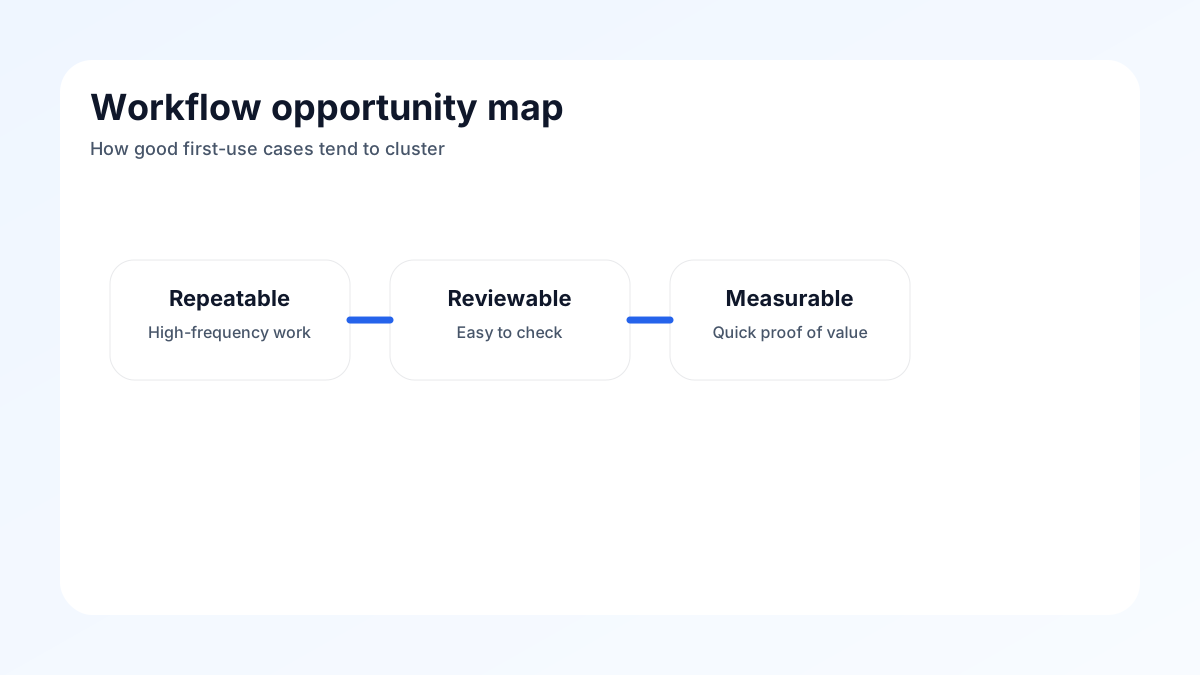
The best early AI use cases share three characteristics:
Repetition. The work happens often enough that even a small efficiency gain compounds quickly. Saving ten minutes on something that happens five times a week adds up to hours per month.
Measurable output. You can tell when the work is done well. That makes it possible to evaluate the AI's contribution and catch mistakes before they cause problems.
Human review is practical. A person can check the output before it reaches a customer, gets filed, or triggers a downstream action. This keeps risk low while the system is still being calibrated.
When these three conditions line up, teams usually see faster cycles, fewer handoffs, and less manual effort — without needing to redesign the whole business.
7 workflows worth automating first
1) Support triage
Customer support teams spend a significant portion of their time reading incoming requests, categorising them, deciding who should handle them, and routing them to the right queue. That process is often the same decision made hundreds of times a day.
AI can handle the classification and routing automatically, prioritising by urgency, product area, or customer tier. When a request is straightforward, it can draft a response for a human to review and send. When it needs escalation, it flags it clearly.
The impact is usually immediate. First response times drop. Agents spend less time on low-complexity tickets. Backlogs become more manageable.
The key safeguard is keeping a human in the loop for anything sensitive or ambiguous. AI triage works best when it speeds up the clear cases and surfaces the hard ones for attention.
2) Internal knowledge search
Every organisation carries a large body of knowledge that is almost impossible to access quickly. Policies, product documentation, past project summaries, legal agreements, process guides — they exist, but finding the right piece at the right moment is slow and inconsistent.
AI-powered search changes this. Instead of keyword matching that returns a list of documents, employees can ask a question and get a specific, sourced answer. The system searches across connected repositories and returns what is actually relevant.
The productivity gain is real, but the trust gain matters just as much. When people can get a reliable answer in seconds rather than spending thirty minutes searching through shared drives or asking a colleague, they make better decisions faster.
3) Lead qualification
Sales and marketing teams generate a lot of leads. Most of them are not ready to buy. Sorting through them manually — reading profiles, checking fit criteria, deciding on next steps — consumes time that could go toward conversations with better-qualified prospects.
AI can apply a consistent qualification framework across every inbound lead. It checks for fit signals, enriches contact data from available sources, scores based on defined criteria, and routes accordingly. High-fit leads go to sales faster. Low-fit contacts get an appropriate nurture sequence without manual effort.
The improvement here is not just speed. It is consistency. Manual qualification varies by rep, by day, and by workload. AI applies the same criteria every time, which makes the pipeline more predictable.
4) Meeting follow-up
After a call or meeting, someone needs to write a summary, capture action items, update the CRM, and send a follow-up message. In most organisations, this gets done inconsistently, takes longer than it should, or does not happen at all.
AI can draft this in seconds. With access to a transcript or recording, it extracts key decisions, identifies next steps, assigns owners, and produces a structured summary ready for review and send.
The value is not just time saved. It is quality and reliability. Fewer action items fall through the cracks. Follow-ups go out the same day. Account records stay accurate without depending on individual discipline.
5) Reporting
Weekly reports, dashboards, and status updates often require the same work on a loop: pulling data from multiple sources, formatting it consistently, adding commentary, and distributing to the right people. Even when the inputs are structured, the work is slow.
AI can assemble these reports automatically. It pulls from connected data sources, applies a consistent format, and highlights anything that falls outside expected ranges. The human job shifts from assembling the report to reviewing and deciding what to act on.
For operations teams, this is often one of the clearest wins. The output is familiar, the inputs are already structured, and the frequency of the task means the time savings compound quickly.
6) Sales enablement
When a salesperson prepares for a call, they need to research the prospect, pull together relevant materials, surface similar deals or case studies, and draft talking points. This typically takes between thirty minutes and two hours per opportunity, depending on complexity.
AI can do much of that preparation automatically. It can research the company and contacts, surface the most relevant product information, identify similar accounts, and generate a personalised briefing. The rep arrives to the call better prepared, with less prep time.
The downstream effect is often more than just efficiency. Better-prepared reps close at higher rates. Newer team members perform more consistently. Senior sellers spend less time on pre-call research and more on strategic accounts.
7) Marketing operations
Content production, campaign management, and audience segmentation all involve a significant volume of repetitive decisions and execution tasks. Drafting copy variants, writing meta descriptions, building email sequences, personalising outreach — these tasks are structured enough for AI to assist meaningfully.
AI does not replace the creative judgment or strategic direction. It handles the execution volume. The team sets the brief, reviews the output, and applies the human judgment that AI cannot replicate. The result is higher output without proportional headcount growth.
How to choose your first use case
Not every business should start with the same workflow. The right choice depends on where your biggest friction currently sits.
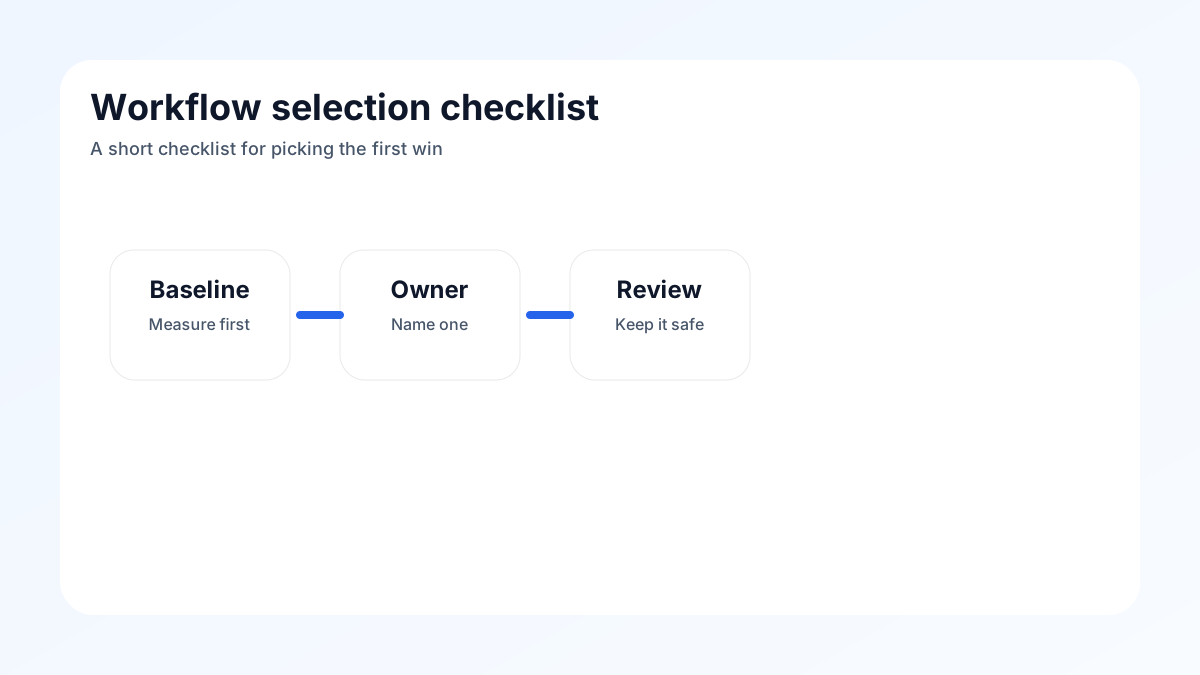
Use this filter before committing:
- Does this workflow happen often enough to matter? Once a week is minimum. Daily is better.
- Can you describe what a good output looks like? If the answer is vague, the use case is not ready yet.
- Can a human review the output before it has impact? If the answer is no, start somewhere else.
- Does the business already measure this area? Existing metrics make it easier to demonstrate value.
- Does the team understand the current workflow? AI cannot clarify a process that is already unclear.
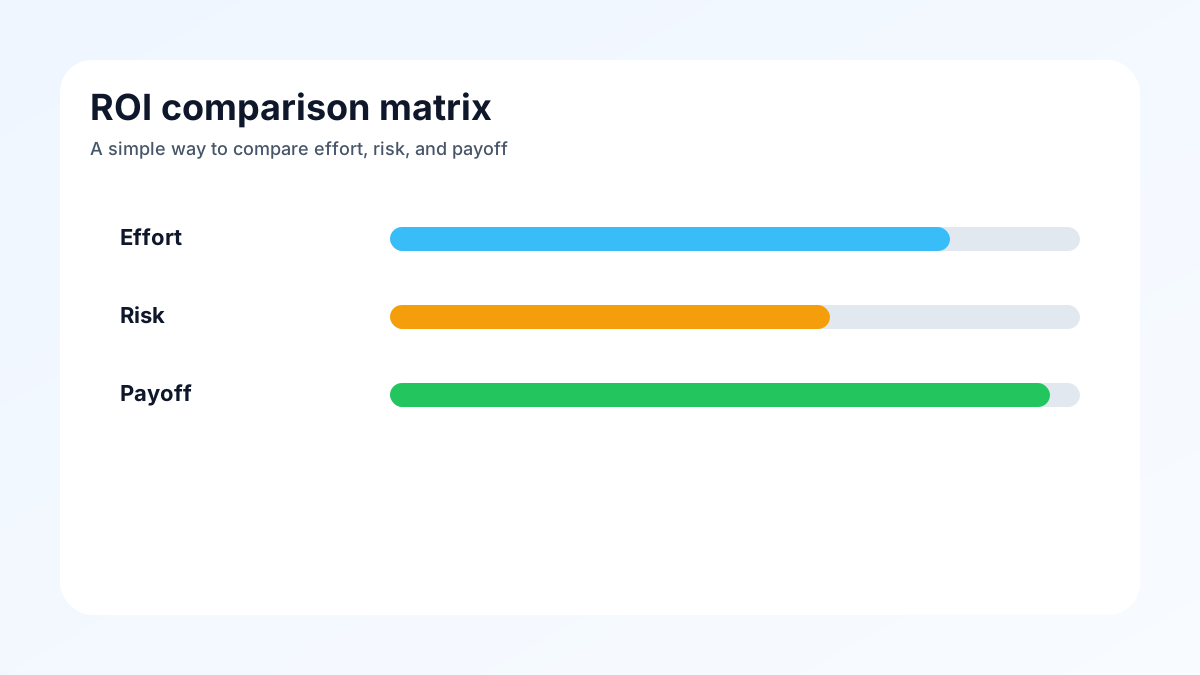
A use case that passes all five filters is usually worth piloting. One that fails two or more probably needs more definition before AI gets involved.
FAQs About AI Workflow Automation
How long does it take to see results?
For well-scoped workflows with clean data and a human review loop in place, early results often appear within the first few weeks of a pilot. Meaningful operational improvement typically follows within sixty to ninety days as the system is calibrated and the team adjusts.
Do we need to automate the whole workflow at once?
No. The most successful implementations usually start with one step in the workflow rather than the entire process. Automate the routing before you automate the response. Automate the summary before you automate the send. Staged rollouts are easier to monitor and easier to trust.
What is the biggest mistake teams make here?
Choosing a use case based on what sounds impressive rather than what is actually painful. The most valuable first AI project is almost never the most glamorous one.
Do we need custom AI to start?
Not always. Several of these workflows can be piloted with existing tools and integrations before any custom development begins. The decision between off-the-shelf and custom depends on how specific your requirements are and how deeply you need it to integrate with your systems.
Conclusion
The fastest AI ROI does not come from the biggest project. It comes from the work your team is already doing manually, repeatedly, and inefficiently.
Start with one well-defined workflow. Keep the human review clear. Measure what changes. That is usually enough to prove value, build trust, and create the foundation for the next step.
At Akonita, we help teams identify the right use cases, design the workflow, and move from curiosity to measurable results — without the chaos that comes from trying to do everything at once.
If you want help mapping your best first AI workflow, contact us here.