
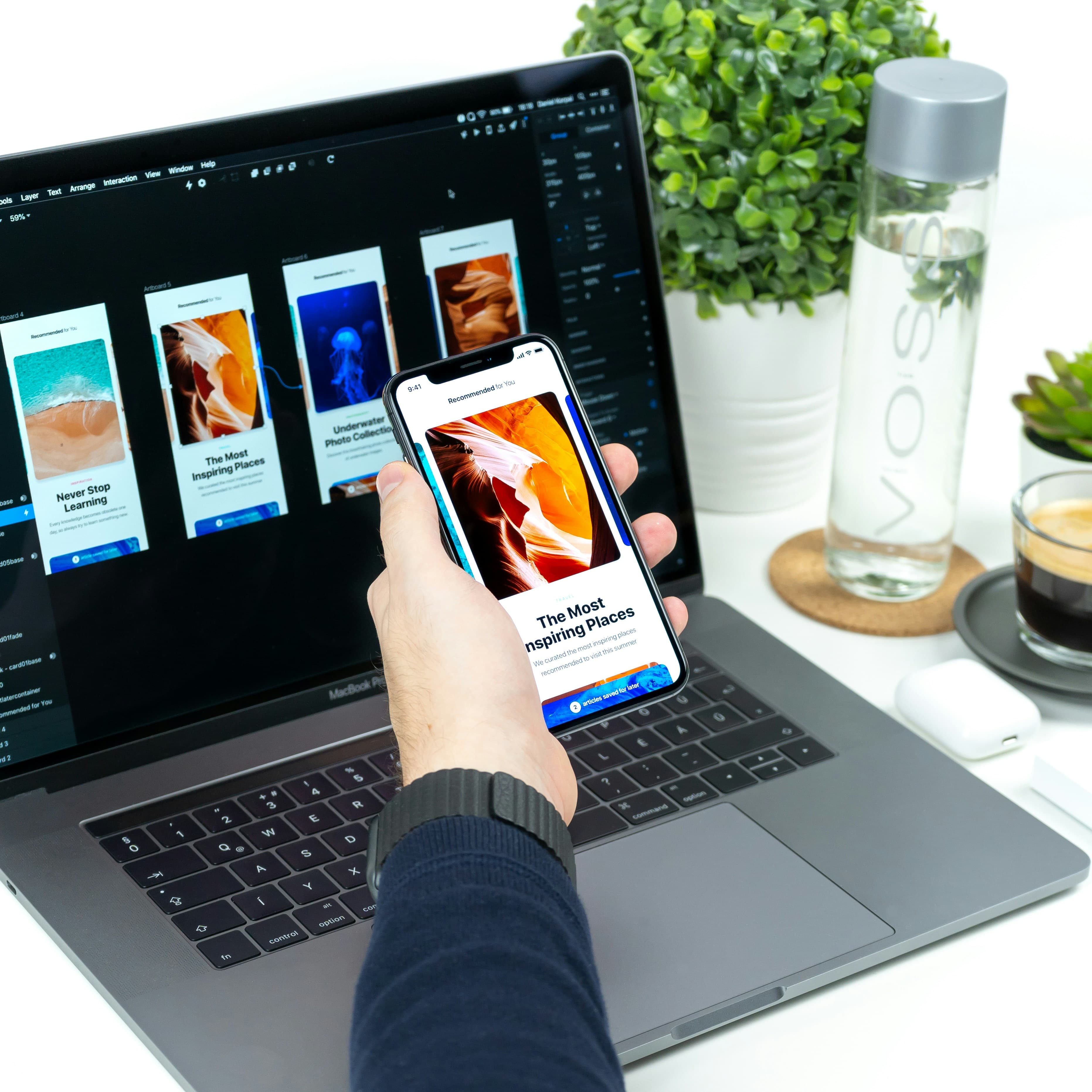
Overview
Good design is invisible. Your users don't notice it — they just accomplish what they came to do. We design interfaces that are clear, fast, and built around how your actual customers behave. Every layout decision is grounded in user research and real usage data, not design trends. The result: higher conversion, lower drop-off, and fewer support tickets from confused users.
Benefits of Choosing Akonita
- Interfaces shaped by user behavior data, not designer preference
- Faster task completion and fewer abandoned workflows
- Design systems your team can maintain after we hand over
- Accessibility built in from day one, not retrofitted
Where this service shines
Research-Driven, Not Trend-Driven
Every layout decision traces back to user behavior data. We test with real users, not against the latest Dribbble shot.
Design Systems Your Team Can Maintain
We hand over a documented component library, not a pile of Figma frames. Your team can extend it without us.
Accessibility From Day One
WCAG 2.2 AA compliance is built in, not retrofitted. Keyboard navigation, screen readers, and contrast are tested before launch.
Conversion, Not Just Aesthetics
We measure design by what users do, not how it looks in a portfolio. Higher completion rates, lower drop-off, fewer support tickets.
Seamless Handoff to Engineering
We design in the same stack your engineers build in. Components map 1:1 to code — no translation layer, no lost-in-handoff drift.
Our Expertise & Approach
Technologies & Tools We Use
Launch metrics at a glance
4–8 weeks
Typical engagement
Design system + documented components
Deliverable
WCAG 2.2 AA
Accessibility
Figma + interactive prototype + specs
Handoff
Our build-operate-optimize loop
- 01
Research & Audit
We interview users, review analytics, and audit the current experience. You get a clear picture of what's working, what's broken, and where the friction is.
- 02
Information Architecture & Flows
We map the structure and user journeys, then prototype the critical paths in Figma for fast iteration before any code is written.
- 03
Design & Component System
We build the interface as a reusable component system — documented, accessible, and ready for engineering to implement.
- 04
Test, Iterate & Handoff
We run usability tests on the designs, refine based on findings, and hand off with full documentation and a working prototype your engineers can build from.
Popular use cases
Redesign a high-friction onboarding flow that's killing activation
Build a design system your team can scale without designer bottleneck
Audit and fix accessibility issues before a compliance deadline
Optimize a checkout or signup flow for higher conversion
Realign an interface around real user research, not stakeholder opinion
Frequently asked questions
Do you design for mobile, web, or both?+
Both. We design responsive interfaces that work across devices, and we have dedicated experience with React Native for mobile apps. The design system we deliver covers every platform you ship on.
Can you work with our existing design system?+
Yes. We can extend, document, or clean up an existing system — or build a new one if the current one isn't serving you. We don't force a redesign for the sake of it.
How do you measure the success of a design?+
We tie design decisions to metrics that matter to your business — task completion rate, drop-off points, conversion, support ticket volume. We don't ship and walk away; we measure after launch.
Do you handle accessibility compliance?+
Yes. We design to WCAG 2.2 AA from the start and verify with automated tools (Axe, Lighthouse) and manual testing. If you have a compliance deadline, we'll get you there.