
Agentic AI: Practical Patterns for Real-World Impact
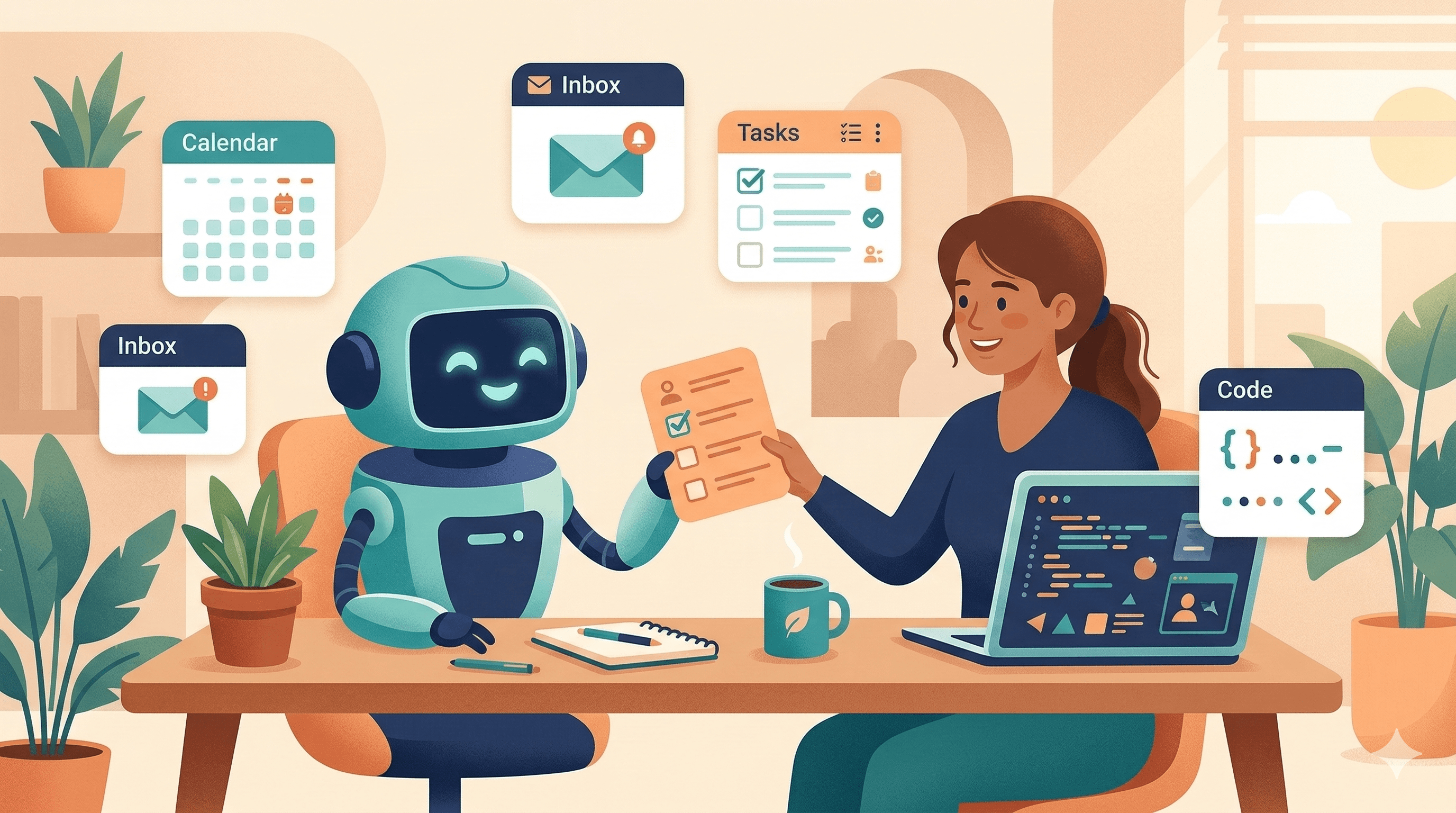
Not sci‑fi — just smarter work. How agentic systems move tasks from “thinking about it” to “done,” and how teams can adopt them without the tantrums.
If you’ve used a chatbot lately you’ve probably seen both ends of the spectrum: occasionally brilliant answers, and occasionally baffling nonsense. The next wave of useful AI isn’t about being clever in conversation — it’s about doing useful work reliably. That’s what I mean by “agentic AI”: systems that don’t just describe a next step, they take it.
Let’s cut through the hype and walk through what agentic systems actually do, why they matter, and how to introduce them into a real business without breaking things.
What an “agent” actually is
At a practical level, an agent is an AI designed to perform actions on behalf of a person or team. That could be:
- Drafting and sending a routine email.
- Triaging and tagging incoming support tickets.
- Orchestrating a build pipeline, writing release notes, and rolling back if key metrics drop.
The common thread: the system maps intent to concrete operations, and it has a feedback loop (logs, alerts, approvals) so humans can oversee and improve it.
Three agent archetypes you’ll see in production
-
Task agents — the little helpers
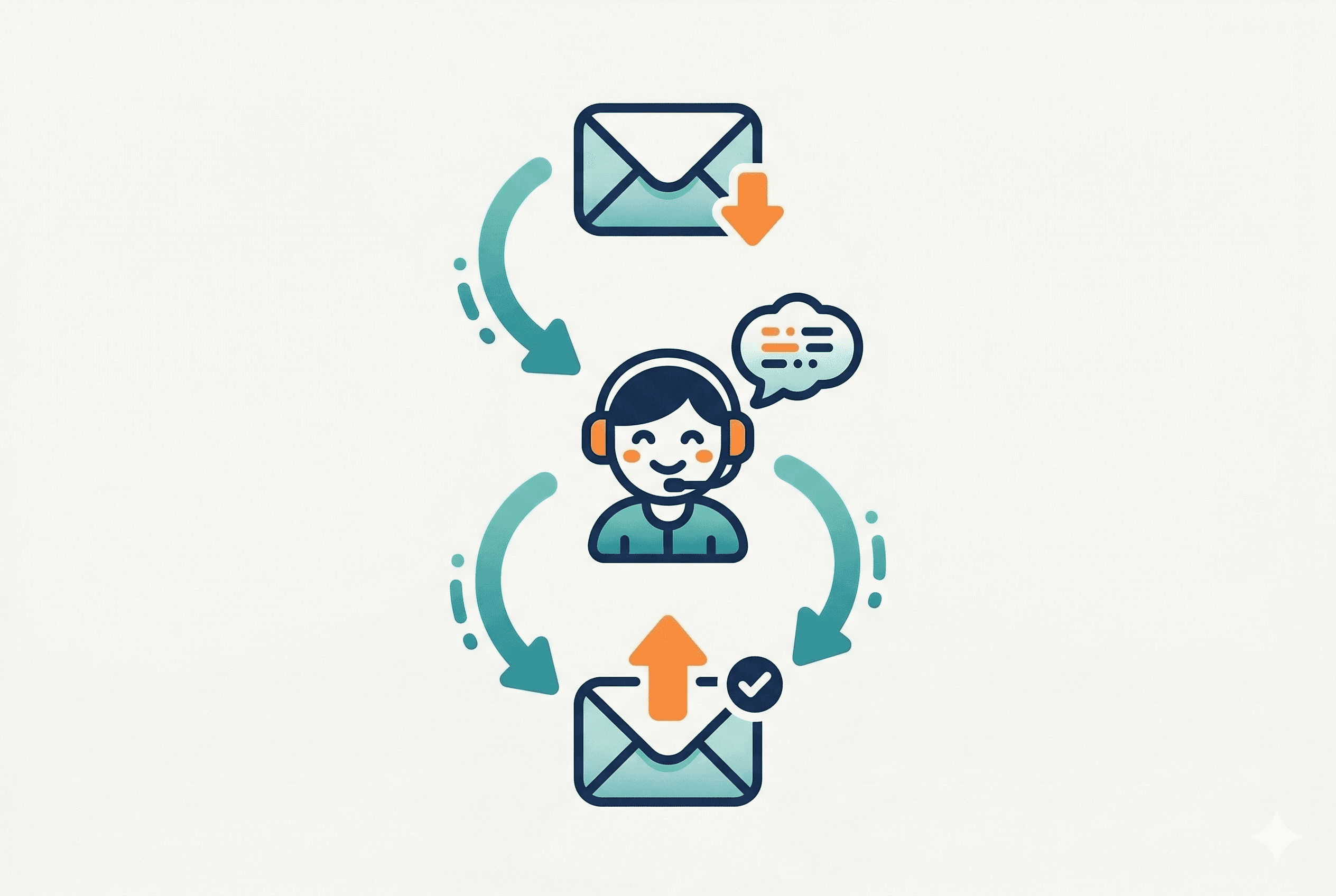
These tackle a single repeatable job. Example: a meeting scheduler that finds a time, books it, and updates the CRM. They’re low‑risk and high ROI because they automate a small, well-defined slice of work.
-
Orchestration agents — the conductors
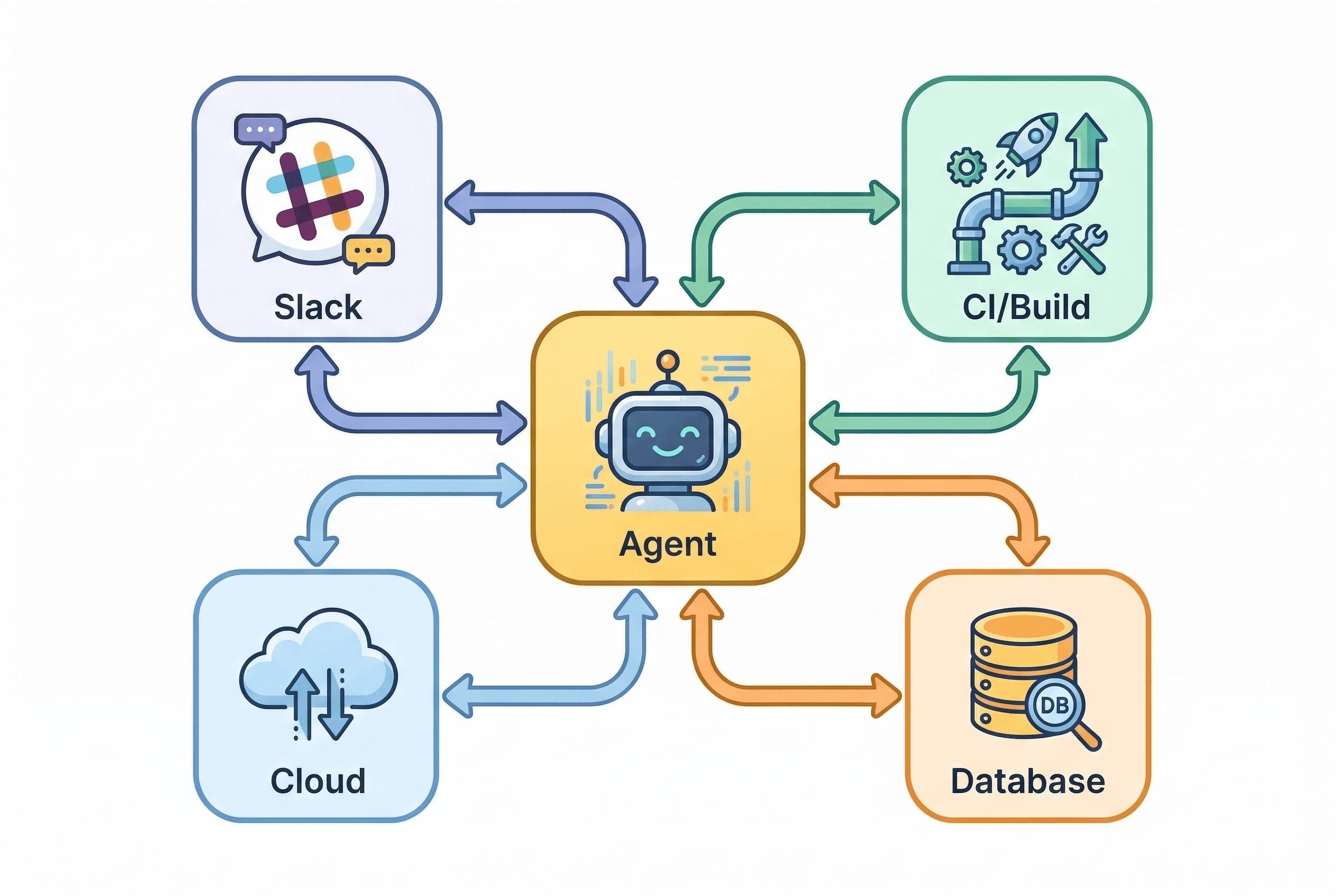
These connect multiple systems and run multi-step processes — think CI triggers, deployment checks, communications to Slack, and rollback flows. They handle complexity and reduce human error in handoffs.
-
Hybrid agents — the “ask first” helpers
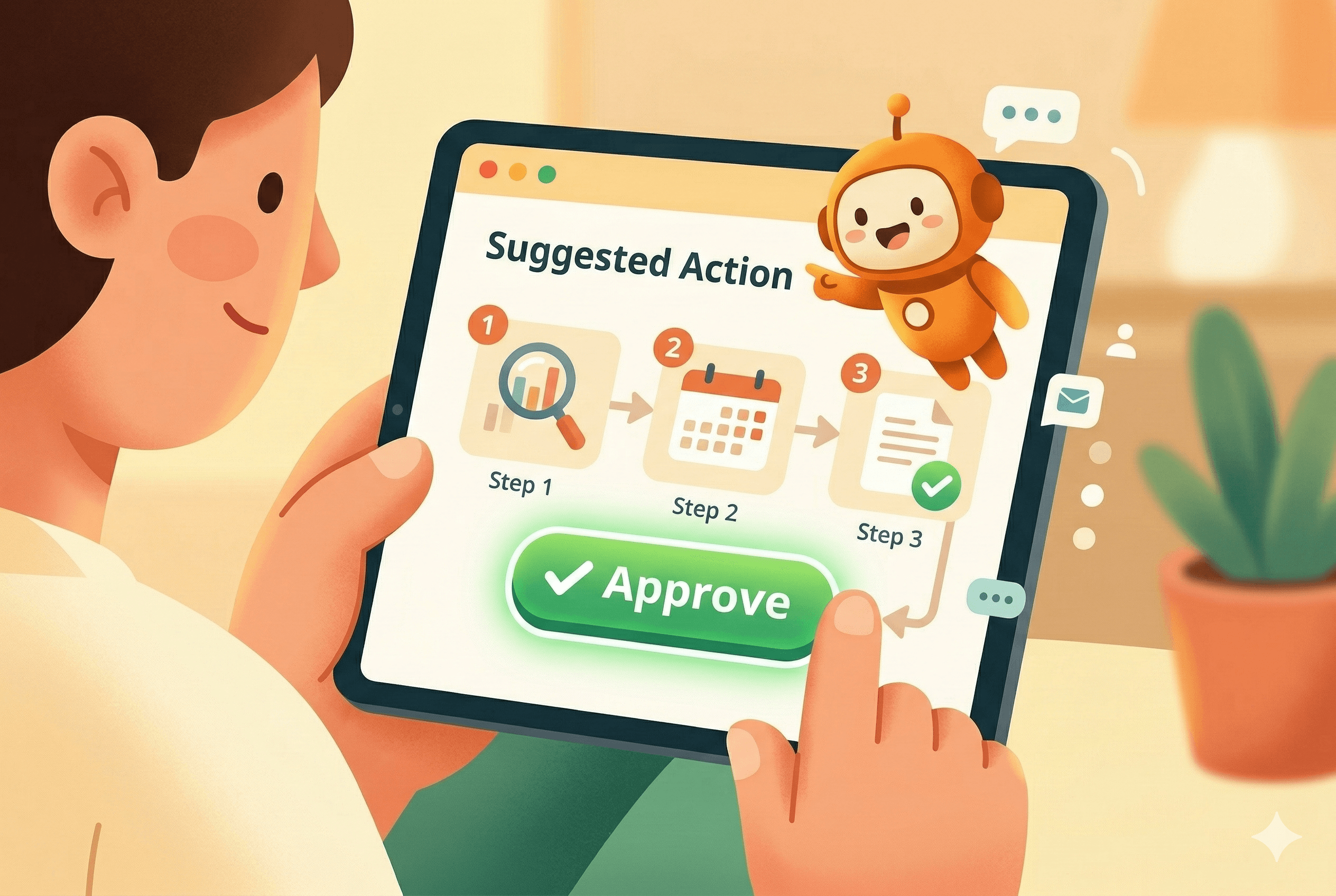
These draft replies, suggested actions, or changes and wait for a human to confirm. They’re often the most practical early step because they speed up work while preserving human judgment.
Why this matters now
Two reasons: volume and velocity. Teams are drowning in repetitive tasks and the tools to automate them are finally mature enough: reliable APIs, vector search for knowledge retrieval, and models good enough at language coordination. Agents convert hours of repetitive work into minutes, and they do it consistently.
But with power comes responsibility — an agent that acts wrong, quickly, is worse than a human who acts slowly. So the challenge is to get the benefits without the disasters.
Practical patterns that work
If you’re considering agents, start with these patterns that reduce risk and accelerate value:
-
Visible actions, easy undo
Make every agent action observable and reversible. If an agent updates a ticket, leave an immediate audit trail and an “undo” flow. Trust breaks fast when humans can’t see or correct what an agent did.
-
Human-in-the-loop for edge cases
Set clear thresholds where the agent should pause and ask for approval. For example, the agent can autonomously handle replies under 3 sentences, but escalate anything that mentions legal or billing issues.
-
Retrieval + context first
Don’t let the agent guess: hook it to a curated knowledge base (vector search + RAG) so it has fresh, relevant context. Freshness and provenance matter — stale knowledge causes confident but wrong actions.
-
Policy-as-code
Define permissions, rate limits, and required approvals as code. That way you can test and iterate on guardrails in CI instead of hoping everyone remembers the rules.
-
Measure the right things
Track human time saved, error/rollback rates, and escalation frequency. If triage time drops but escalation rate spikes, you’ve automated the wrong thing.
A short pilot playbook (3–4 weeks)
- Week 0: Pick a small, high-frequency task (e.g., PR triage, meeting scheduling, or newsletter publication).
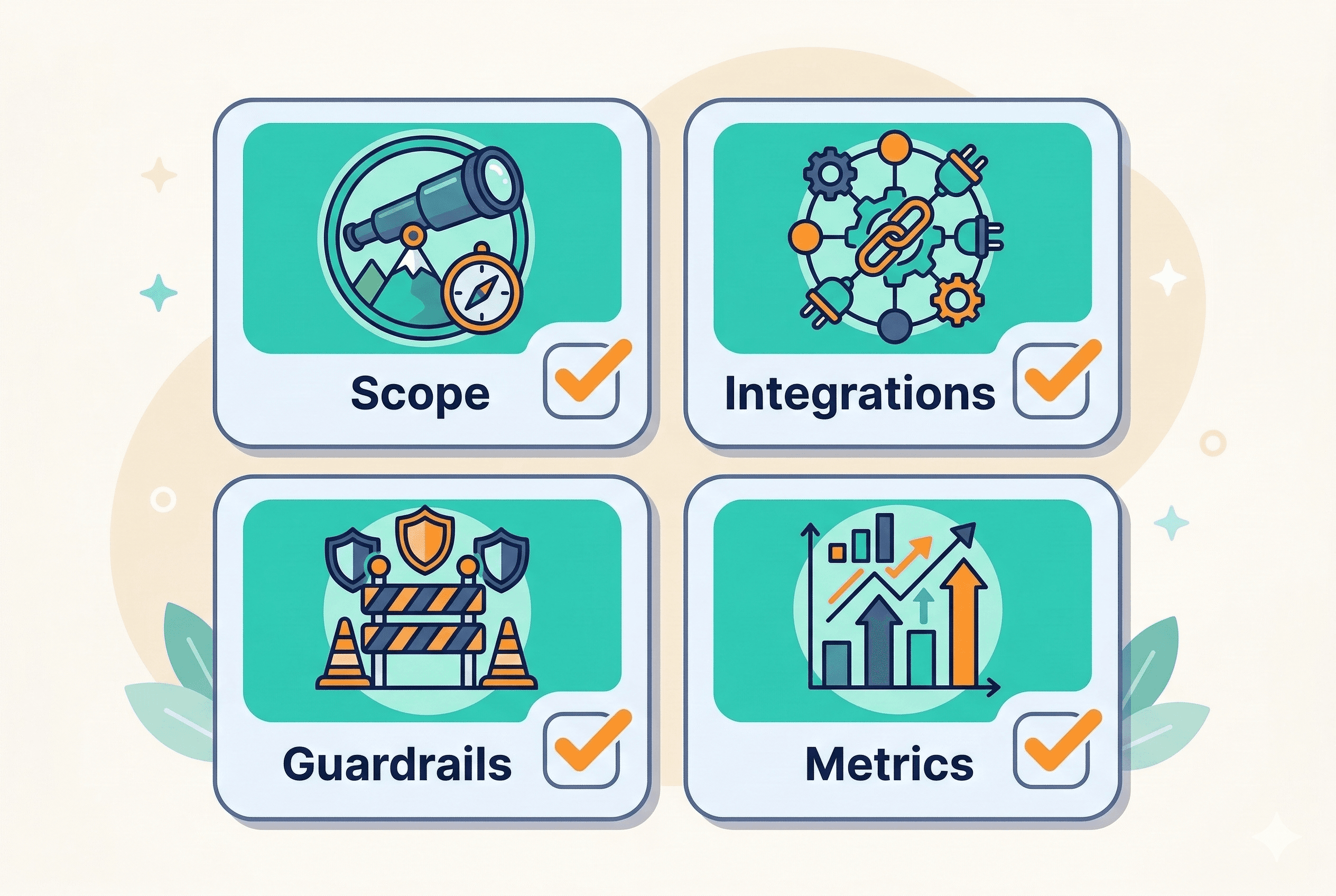
- Week 1: Map the steps, APIs, and success metrics. Build a minimal agent that performs a single action and logs everything.
- Week 2: Run supervised tests with human approval required. Collect feedback and iterate.
- Week 3: Expand scope cautiously and add monitoring & guardrails.
Real example (brief)
We built a support‑triage agent for a mid‑sized SaaS company. It used vector search for a knowledge-base lookup for corporate policies & SOPs, drafted replies for common issues, and auto-tagged tickets. The agent required a human approve for any reply that included a refund offer. Result: response times dropped 40% and the approval rate settled at 8% — human reviewers focused only on real edge cases.
Common mistakes to avoid
- Automating the wrong workflow just makes the wrong process faster. Start where the cost of being wrong is low.
- Hiding automation from humans. If you won’t let people see and revert changes, don’t automate it.
- Ignoring data hygiene. Agents amplify whatever data they use — bad data = bad automation at scale.
Governance essentials
- Immutable audit logs (who/what/when).,
- Versioned prompt and model control.,
- Role-based permissions and rate limits.,
- Incident playbook for agent failures.,
What success looks like
- Lower cycle time on routine tasks.,
- Lower cognitive load for skilled staff.,
- Fewer manual handoffs and clearer ownership.,
- Measurable business outcomes (faster support, higher throughput, lower cost).,
Final thought: start human, get to agents
The goal is not to remove humans — it’s to free them for better work. Start with a human-centric pilot, make the automation visible, and iterate until the agent earns trust. Do that, and what looks like a modest time-saver turns into a strategic multiplier.